
India-focused consumer safety guide. Digital payments are convenient, but fraudulent requests, fake support channels and deceptive authorization screens create risks. Learn practical ways to protect accounts and respond to suspicious transactions.
Why digital payment fraud deserves a practical prevention plan
Digital payments make transfers convenient, but the same speed can be exploited by criminals using impersonation, deceptive links and social engineering. A payment can be technically authorized by the account holder while still being induced by fraud. That distinction matters because security is not limited to protecting passwords. It also requires verifying who is requesting money, why the payment is being made and whether the transaction details are correct. Indian users may encounter fraud attempts through calls, messaging apps, fake customer-care numbers, websites and QR codes. This guide explains prevention and response practices without promising that any technique eliminates all risk. The safest habits combine skepticism about unsolicited urgency, secure device settings and quick reporting when something goes wrong. Exact dispute rights and liability depend on the payment instrument and current applicable rules.
Understand how social engineering works
Many scams begin with a believable story rather than a technical exploit. Someone claims to represent a bank, employer, delivery service or marketplace and says a problem must be resolved immediately. The attacker may already know a name, phone number or recent transaction detail, making the message seem credible. The requested action might be revealing a one-time password, installing remote-access software, sharing a screen or approving a payment request. An urgent tone is a warning sign, not proof of legitimacy. End the conversation and contact the organization using a number or app obtained independently from its official website or your existing records. Do not trust a customer-care number embedded in the suspicious message itself. Even a convincing caller ID or profile photograph can be spoofed.
UPI PIN: what it authorizes and what it does not
A UPI PIN is used to authorize relevant payment actions under the applicable payment flow. A person who says you must enter your PIN to receive an ordinary incoming payment is presenting a major warning sign. Carefully read the app screen before entering any secret, because a collect request may ask you to approve money leaving your account. App layouts vary, so rely on the actual displayed transaction type, recipient and amount rather than on verbal instructions from a caller. Never disclose the PIN to customer support, a merchant or a stranger. Avoid storing it in unprotected notes or sharing it through chat. If you suspect compromise, use your payment provider’s official procedures to secure access and review recent activity. A PIN is not a guarantee against deception when the user is tricked into approving a transaction.
QR codes and payment requests
A QR code is a convenient way to encode payment-related information, but its visual appearance does not prove that the recipient is legitimate. Scammers may replace a merchant’s displayed code or send a code with a story about refunds, prizes or verification. Before confirming a payment, inspect the recipient name and amount displayed by the payment app. Do not rely solely on a screenshot or a message claiming the code belongs to a known business. If paying in person, ask the merchant to confirm the displayed payment details and verify the transaction outcome independently. Treat unexpected requests to scan a code in order to receive money with caution. Some workflows differ, but any action that initiates an outgoing payment deserves deliberate review. Keep the payment confirmation and transaction reference for reconciliation.
Fake customer-care and search-result traps
Fraudsters can place deceptive phone numbers in advertisements, social posts, listings or cloned support pages. A user searching for a refund or failed payment may call a number that looks official and be instructed to install software or reveal credentials. The safer route is to open the bank or payment app directly, use its in-app support or navigate to the institution’s official domain from a trusted bookmark. Check the domain carefully: minor spelling differences can be easy to miss. Avoid giving an unknown caller remote access to your phone or computer. Real support processes vary, but asking for your confidential PIN or OTP is a serious warning sign. If a representative offers a refund, verify the process through the official channel before acting. Record the complaint reference and date.

OTP, passwords and device access
One-time passwords and authentication prompts protect accounts only when users understand what they are approving. Never share an OTP with a caller, even if the person claims to be reversing a fraudulent transaction. Read the message context: an OTP for adding a device, resetting a password or authorizing a payment is not interchangeable with a routine account verification request. Use strong, unique account passwords and enable supported device protections. Keep operating systems and payment applications updated through official stores. Avoid installing unknown APK files from messages. If a phone is lost, promptly use official bank, SIM and device recovery procedures to restrict access. Do not assume that a screen lock alone prevents every account takeover. Review active sessions and linked devices where the provider offers that information.
Remote-access applications and screen sharing
A scammer may claim that a refund, KYC update or payment failure requires screen sharing or a remote-control application. Once access is granted, sensitive information or transaction screens may be exposed. Do not install software at the direction of an unsolicited caller. If remote assistance is genuinely required for an unrelated technical issue, understand exactly who is providing it and what access is being granted. Never open banking or payment apps during an untrusted screen-sharing session. If you have already granted suspicious access, disconnect the session, remove the application using official device procedures and secure financial accounts from a trusted device. Contact the bank immediately if unauthorized activity is suspected. The order and scope of recovery depend on what information may have been exposed.
SIM swap and account recovery risks
A phone number can be important to authentication and account recovery. Criminals may attempt to exploit telecom account processes to gain control of messages or calls. Unexpected loss of mobile network service, unexplained SIM changes or sudden authentication failures deserve prompt attention. Contact the telecom provider through verified support and ask whether any SIM replacement or number-porting action occurred. Secure linked financial accounts using official channels and review recent transactions. Do not assume every network outage is fraud, but do not ignore a suspicious outage combined with banking alerts. Protect personal identity documents and avoid uploading them to unknown forms. Where available, enable additional account security features and alerts. Keep recovery contact details current so legitimate institutions can reach you if a problem is detected.
Card-not-present and online shopping fraud
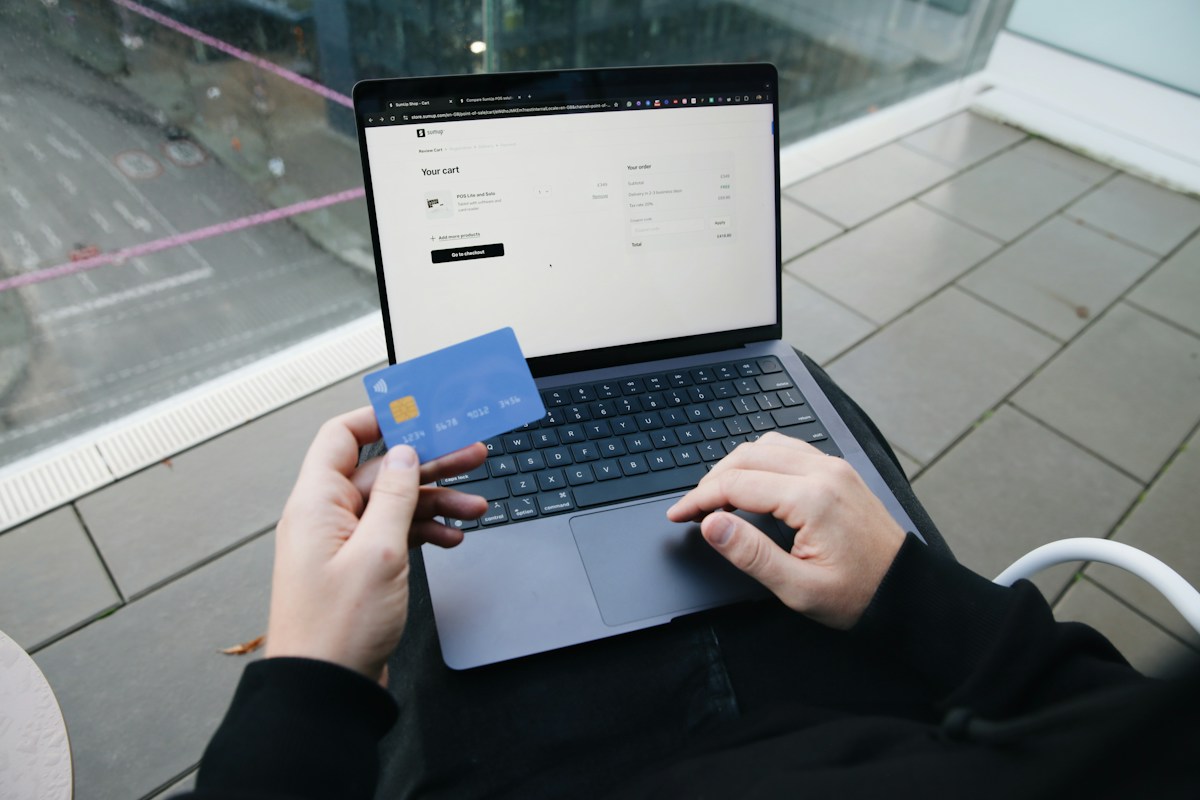
Online card payments can expose users to fake storefronts, misleading subscription terms and credential theft. Before paying, examine the merchant’s domain, refund policy, contact details and overall credibility. An HTTPS padlock indicates an encrypted connection, not that the business itself is honest. Avoid entering card details into links received from strangers. Review the final amount, currency and recurring-payment terms before authorizing. Use transaction notifications and monitor statements for small unfamiliar charges as well as large ones. If your card issuer supports adjustable transaction limits or channel controls, consider settings appropriate to your spending. Do not assume a payment page is legitimate merely because it displays familiar card-network logos. Report suspicious transactions through the card issuer’s official dispute channels promptly.
What to do immediately after suspected fraud
If money has been transferred under suspicious circumstances, speed matters. Contact your bank or payment provider using its official fraud-reporting channel and provide the transaction reference, time, amount and relevant details. In India, the national cybercrime reporting portal and the 1930 helpline are established reporting routes; consult the official portal for current instructions and eligibility. Preserve screenshots, messages, caller details and payment confirmations without altering them. Do not send more money to someone claiming that a recovery fee is required. Ask the institution for a complaint reference and retain it. Secure passwords and devices if credentials may have been exposed. Reporting does not guarantee recovery, but delay can reduce the options available to investigators and financial institutions.
How liability and dispute handling can differ
The outcome of a disputed transaction depends on the payment instrument, the circumstances, the reporting timeline and applicable rules. A card transaction, UPI transfer and bank-account takeover may follow different operational processes. RBI has published customer-protection guidance for unauthorized electronic banking transactions, but users should verify the current rules and their institution’s terms rather than assuming all losses are automatically reimbursed. An induced authorized payment may be assessed differently from an unauthorized transaction. Document the precise sequence of events and provide factual information to the bank. Avoid making unsupported claims about a guaranteed refund. If a complaint is unresolved, use the financial institution’s grievance process and applicable official escalation channels. Keep all correspondence and reference numbers organized.
Build a family fraud-response checklist
Families can reduce confusion by agreeing on a few simple rules before a crisis. No one shares PINs or OTPs over calls or messages. Unusual payment requests from relatives or colleagues are confirmed through a second, independently established channel. Each family member knows how to find the official bank support number and where transaction alerts arrive. Keep a secure record of account-provider names, not passwords, so the correct institution can be contacted quickly. Teach younger and older relatives to recognize urgency tactics without embarrassing them for asking questions. Review payment permissions on shared devices and avoid leaving banking sessions open. A short written response plan can help people act faster under stress. Update it whenever bank accounts or primary phone numbers change.
A practical example of a fake refund
Imagine a buyer waiting for a legitimate marketplace refund. A caller claims to represent support and sends a payment request labeled as a verification step. The buyer is told to enter a UPI PIN to release the refund. The safer response is to decline, close the conversation and open the marketplace’s official app to check refund status. If the payment app screen indicates money will be debited, it is not an ordinary incoming refund. The buyer should not trust the caller’s explanation over the actual authorization screen. If a payment was already approved, preserve the reference number and report it immediately. This hypothetical example illustrates the importance of reading transaction details, not a claim that all refunds use one identical process.
Merchant controls for small businesses
Small merchants should train staff to verify payment confirmations using their own trusted payment dashboard or bank records rather than accepting a customer’s screenshot as final proof. Display payment QR codes securely and inspect them for tampering. Separate payment-acceptance devices from casual browsing where practical, use strong device access controls and limit administrative permissions. Reconcile daily receipts against sales records and investigate unexplained differences. Never share settlement credentials with a person claiming to troubleshoot a terminal remotely. If using third-party payment providers, review their official settlement, refund and dispute procedures. A clear escalation path helps staff avoid making hurried decisions when customers report failed transactions. Merchant security is not only a technical issue; it depends on procedures, staff training and reliable recordkeeping.
Ongoing habits that reduce exposure
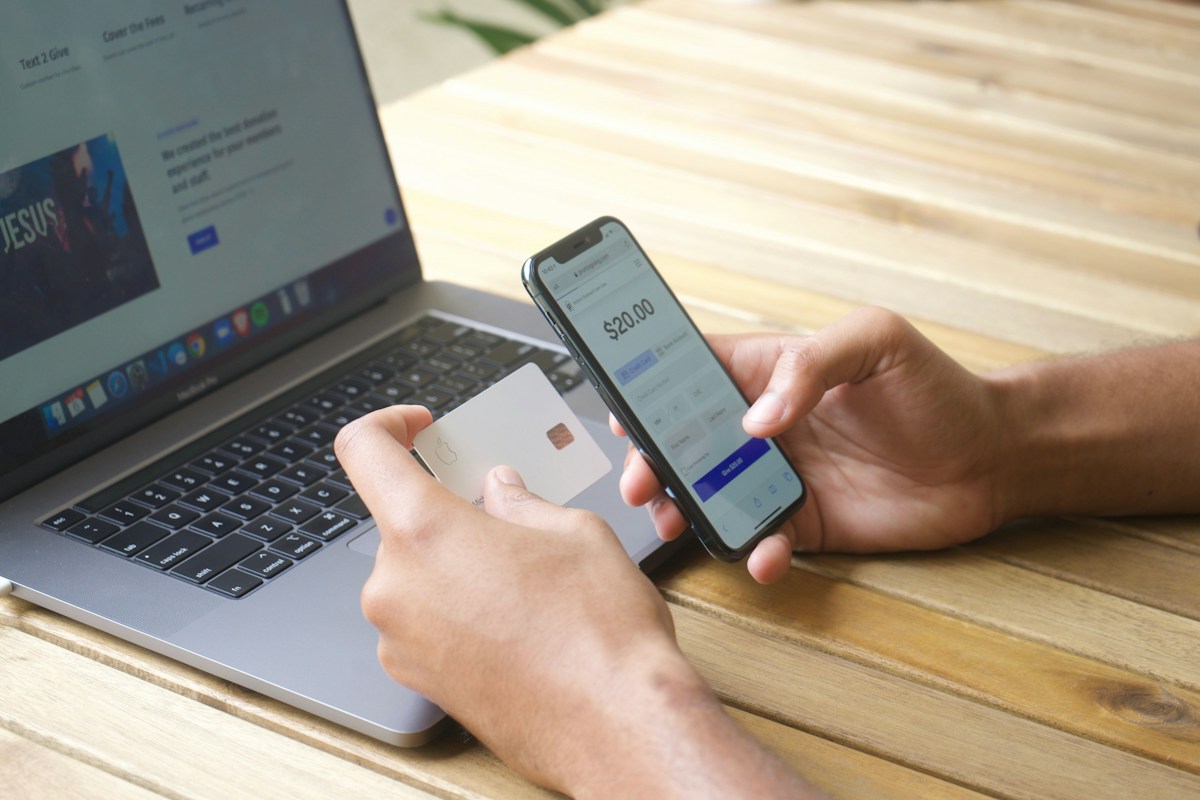
Enable transaction notifications and read them promptly. Review linked bank accounts, card statements and payment-app permissions periodically. Keep applications updated and remove unused software that has broad access to device functions. Use official support routes and independently verify unusual requests, especially those involving urgency, secrecy or a promise of unexpected money. Maintain sensible payment limits where supported, but remember that limits alone cannot prevent all fraud. Teach family members to pause before authorizing unfamiliar actions. Avoid publicly posting account documents or transaction screenshots containing sensitive identifiers. When a suspicious message appears, preserve evidence if necessary but do not follow its links. Security improves through repeated small habits rather than through a single setting.
Official sources and continuing education
For authoritative guidance, consult the Reserve Bank of India, the National Payments Corporation of India and India’s National Cyber Crime Reporting Portal. Use the latest institution-specific instructions for payment disputes, because interfaces and reporting procedures can change. For wider financial habits, read our household cash-flow guide and credit score guide. This article is general educational information, not legal advice, and does not promise recovery of losses.
Frequently asked questions
Should I enter a UPI PIN to receive a normal payment?
No. Treat requests to enter a PIN to receive ordinary money as a serious warning sign and verify the actual app screen.
What if I already shared an OTP?
Contact the relevant bank or provider through official channels immediately, secure access and review recent activity.
Does HTTPS prove a shopping website is genuine?
No. Encryption does not establish that a merchant is trustworthy.
Where can suspected cyber financial fraud be reported in India?
Use official bank reporting channels and consult cybercrime.gov.in or the 1930 helpline for applicable procedures.
Will every fraudulent transfer be refunded?
No. Outcomes depend on facts, the instrument, reporting timeline and applicable rules.
Image credits: licensed Unsplash editorial photographs. All examples are illustrative and do not describe a particular victim.